How to Move from Order-Taker to Senior UX Strategist
Career growth

We’ve all been there: a Slack message pops up from your PM with a 'PRD' that’s literally two sentences long. Your first instinct might be to sigh or wait for more info.
The truth is, your PM is probably just as overwhelmed as you are. They don't have a short PRD because they’re lazy; they have a short PRD because they're stuck. When you step in with research to fill those gaps, you aren't just doing your job—you're becoming their most valuable partner. If you’re the one staring at a blank page with zero guidance, congratulations—this is your moment. This is exactly where you stop being an 'order-taker' and start showing the kind of Senior-level strategy that actually moves the needle.
The Mid-Level Trap vs. The Senior Mindset
The Mid-Level Trap: The "Waiting Room"
We’ve all been there. You get a one-sentence brief and think, "I can't design this yet; I don't have enough information." So, you send an email asking for more details. Then you wait. Then you follow up in the next sync.
Why it’s a trap:
The Passive Impression: To a PM or a Boss, it looks like you’ve hit a standstill. It signals that you need a "perfect" environment to be productive.
The Wasted Velocity: While you wait for documentation that might never come, the project timeline is still ticking.
The Loss of Control: By waiting for them to define the "Requirements," you are letting someone else dictate the UX logic. Giving out the power to lead to another team.
The Senior Reality: The "Power Vacuum"
A Senior designer sees a short PRD and realizes there is a power vacuum. If the Business hasn't defined the Why, and the PM hasn't defined the What, the Designer has a golden opportunity to define the How.
The Shift in Logic:
・Mid-level says: "I need you to tell me what the user needs so I can design it."
・Senior says: "Since we aren't sure what the user needs yet, I’m going to run a quick competitor teardown and a proxy interview to define the requirements myself."
The "Senior" Move: Creating the Map
Instead of complaining that the map is missing, a Senior designer picks up the pen and starts drawing it. You aren't just "doing research"—you are leading the product direction. When you show up to the next meeting not with questions, but with insights found through your own initiative, you’ve officially bridged the gap. You've moved from someone who needs a PRD to someone who validates the PRD.
Assessing and Paying Off the "Information Debt"
Think of every vague brief as a form of "Information Debt." Just like financial debt, it’s the interest you pay for a bad brief. If you don’t "pay it off" early with a bit of research, you’ll end up paying for it later with interest—in the form of endless design revisions, frustrated developers, and "back-to-the-drawing-board" meetings.
Before you even think about opening Figma, your job is to identify where the holes are. You aren't just looking for "details"; you’re looking for the structural integrity of the project.
Identifying the Debt: What’s Missing?
To pay off this debt effectively, you need to spot the three most common "gaps" in a short PRD:
1. The User Goal (The "Who & Why")
The Gap: You have a feature name (e.g., "Add a Filter"), but no idea who is using it or what "pain" it actually solves.
The Research Fix: The "Proxy" Interview. Spend 15 minutes with a Customer Success or Sales rep. They hear the raw, unedited complaints from users every day. Ask them: "If we didn't build this, what would the user do instead?"
The Result: You move from "Designing a filter" to "Designing a way for users to find overdue invoices in 2 seconds."
2. The Edge Cases (The "What If?")
The Gap: Most short PRDs only cover the "Happy Path"—when everything works perfectly. They ignore what happens when things go wrong.
The Research Fix: Competitor Flow Mapping (Stress Testing). Look at 2–3 competitors and try to break their flow. Enter wrong data, hit "cancel" mid-way, or look for their "empty states."
The Result: You find the technical and logic gaps the PM missed. You can proactively design the "Error State" now, rather than having a developer ask you about it five minutes before a sprint deadline."
3. The Success Metric (The "So What?")
The Gap: No one has defined what "Success" looks like. Is it more clicks? Faster completion? Fewer support tickets?
The Research Fix: The "Pre-Mortem" Sync. Ask your PM: "Imagine it’s six months from now and this feature failed. Why did it fail?"
The Result: This reveals the true business priority. If the fear is "users won't find it," your design focus becomes discoverability. If the fear is "it's too complex," your focus becomes simplicity.
The "Fast-Track" Research Toolkit
When you’re the only designer in the room, you don’t have weeks for a formal academic study. You need "Just-in-Time" insights that give you the confidence to start building. These two tactics are the fastest way to turn a two-sentence PRD into a robust, defensible design strategy.
1. The Strategic Competitive Audit (Reverse-Engineering the "How")
Don’t just look at competitors for UI inspiration or "pretty buttons." A Senior designer looks at them to understand their Logic and Flow. If a PRD is thin, the market has already provided a "cheat sheet" of what users expect.
The "Why" behind the "What": Instead of just taking screenshots, map out the User Flow Comparison. If every major app in your space uses a 3-step onboarding, there’s usually a reason (legal, technical, or psychological).
The Action: Pick 2-3 direct competitors and map their "Happy Path" side-by-side.
Where do they ask for data?
Where is the "Aha!" moment?
Where is the friction (too many clicks, confusing copy)?
The Output: A Logic Map that highlights the "Standard" vs. the "Opportunity."
Example: "Competitor A requires a phone at step 1, but Competitor B waits until the end. Competitor B feels much smoother—let’s propose that to the PM."
The Senior Value: You aren't "copying"—you are identifying industry standards so you can decide exactly where to break the rules to make your product better.
2. The "Proto-Persona" Workshop (Aligning the Team’s "Imaginary Friend")
When a brief is vague, everyone on the team usually has a different version of the user in their head. The PM thinks it’s a power user; the Dev thinks it’s a first-timer. A 30-minute Proto-Persona workshop gets everyone's "assumptions" out on the table.
The "Why": You can't design for "everyone." You need to design for a specific set of behaviors and frustrations.
The Action: Grab your PM and a developer (or a Sales/CS rep) for a quick chat. You don't need a fancy board—just three questions:
Who are they? (e.g., "The Stressed Accountant").
What is their #1 "Job to be Done"? (What is the one thing they need to finish today?)
What is their biggest frustration? (What makes them want to close the app?)
The Output: A one-page "gut-check" persona that the whole team has agreed on.
The Senior Value: You’ve just forced the team to define the "User" that was missing from the PRD. Now, every design decision you make is backed by logic: "I put this front-and-center because our 'Stressed Accountant' needs to see it immediately."
The "Solo Designer" Reality Check
"I know what you're thinking: 'I don't have time for this.' But here’s the truth: you don't have time NOT to do this. Spending two hours on a flow audit and a quick team chat saves you twenty hours of 'I don't like this' feedback later. This isn't extra work; it's your insurance policy against a bad brief."
Why this works:
Competitive Audit gives you the Market Context (What are the rules of the game?).
Proto-Persona gives you the Human Context (Who are we playing for?).
Combining these two allows you to walk into a meeting not with "a few ideas," but with a validated plan.
Documenting the Research (Creating Your Own Specs)
Here is a hard truth: if your brilliant research findings only live in your head, they don't exist to your stakeholders. To move from an "order-taker" to a UX strategist, you have to make your invisible work visible.
Don't wait for a 20-page document to land on your desk. If the PRD is missing, write the specs yourself. This isn't just about being organized; it’s about protecting your design decisions from "I just don't like it" feedback later on.
1. The "Reverse PRD": Flipping the Script
Instead of asking your PM for more details, send them a Reverse PRD. This is a short, bulleted list of your assumptions based on the research you just did.
The Action: Send a quick Slack message or a 1-page Notion doc that says: "Based on my competitor audit and the proto-persona we built, here is what I’m assuming we need to solve. Does this align with your vision?"
What to include: The core user problem, the "must-have" features you identified, and the success metrics.
The Senior Value: You’ve just shifted the burden of proof. Now, the PM doesn't have to "write a doc"—they just have to "approve yours." You’ve become the driver of the product requirements.
2. Visualizing the Logic: The User Flow Map
A short PRD almost always misses the "boring" parts of a product—the edge cases, the "back" buttons, and the error states. User Flow Mapping is where you find the holes before they become bugs.
The Action: Before you touch a single UI element, map the logic in FigJam or Whimsical. Connect the dots from the entry point to the "Success" screen.
Why it works: When you show a flow map to a developer or a PM, they will immediately see what's missing. They’ll say, "Wait, what happens if the user doesn't have a credit card on file?" * The Result: You’ve just uncovered a technical requirement that wasn't in the two-sentence brief. Solving this now makes you look like a pro; solving it during development makes you look unprepared.
The "Senior" Pro-Tip: The Sign-Off
"Here’s a small secret: Getting a 'Looks good' on your Reverse PRD is your superpower. It means you are no longer designing 'your' ideas—you are designing 'the agreed-upon' solution. When you present your final screens, you can point back to this document. It's the ultimate shield against subjective feedback."
The Result: Leading by Design
By taking the initiative to do the research yourself, you’ve fundamentally changed your role. You aren't just "the person who makes screens" anymore; you are the person who defines the product strategy. When you bridge the gap between a vague brief and a solid execution, you gain the kind of visibility that leads to promotions and leadership roles. You’ve proven that you don't need a perfect environment to do great work—you have the Senior mindset to create that environment yourself.
Your Senior Research To-Do List
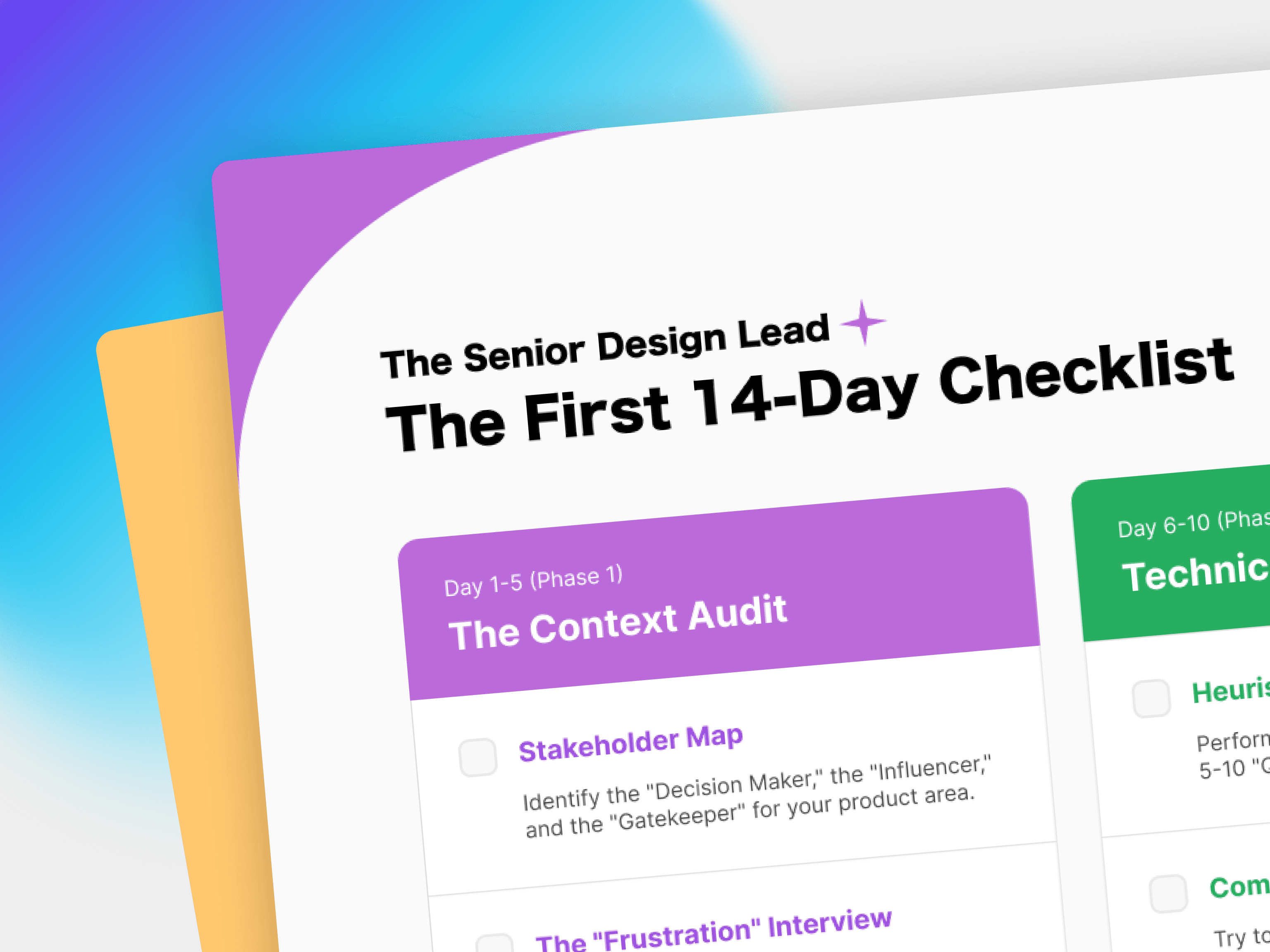
If you receive a one-sentence PRD today, do these five things in order:
1. Audit: Screenshot the "Happy Path" of 2 competitors. Map their logic vs. yours.
2. Interview: Find a "Proxy" (Sales, CS, or even the PM) and ask: "What is the #1 risk if we get this wrong?"
3. Align: Host a 20-minute Proto-Persona chat to get the team to agree on who we are building for.
4. Document: Write your Reverse PRD. List your assumptions and the logic behind your proposed flow.
Validate: Send the Reverse PRD to your stakeholders. Get that "Looks good" before you start high-fidelity designs.
"The best designers don't wait for permission to be strategic. They just start being strategic. The next time you get a short brief, don't see it as a lack of leadership from your boss—see it as an opportunity for you to lead."